Confimedis Platform v3.6.0
Overview
| Scope | Feature |
|---|---|
| Version | v3.6.0 |
| Release date | February 11, 2026 |
| Deployed to Confimedis Cloud | — |
| Affected modules | Notifications, Subjects, Reports, Documents |
Validation
Validation by Confimedis
Confimedis GmbH has validated this release in accordance with its quality management system and GAMP 5 before deployment, re-executing the test cases of the Operational Qualification (OQ) for the affected functions according to their risk classification. A release does not change the configuration of your study, such as forms, edit checks, roles, or users, which your Performance Qualification (PQ) covers. Where existing settings are migrated, the note says so. The Validation Package of every release, including the OQ report and a prefilled Validation Summary Report (VSR), is available on request and only needed for an initial validation or a revalidation. A test project is a copy of your study without patient data, created via CDISC ODM export and import.
This release predates the introduction of Release Impact Statements. Its changes are listed below.
Changes
Features
- Notifications: Automated ePRO invitations via email and SMS
- In addition to push notifications, it’s now possible to configure automated email and SMS messages with embedded ePRO links to study participants according to the defined visit schedule.
- This provides an efficient and accessible alternative to the mobile Confimedis app and doesn’t require anonymous registrations or app installations.
- SMS messages can be sent internationally and consider site-specific time zones when configured.
- All three notification methods (push, email, and SMS) can be combined, allowing the system to use every available channel to reach study participants.
Improvements
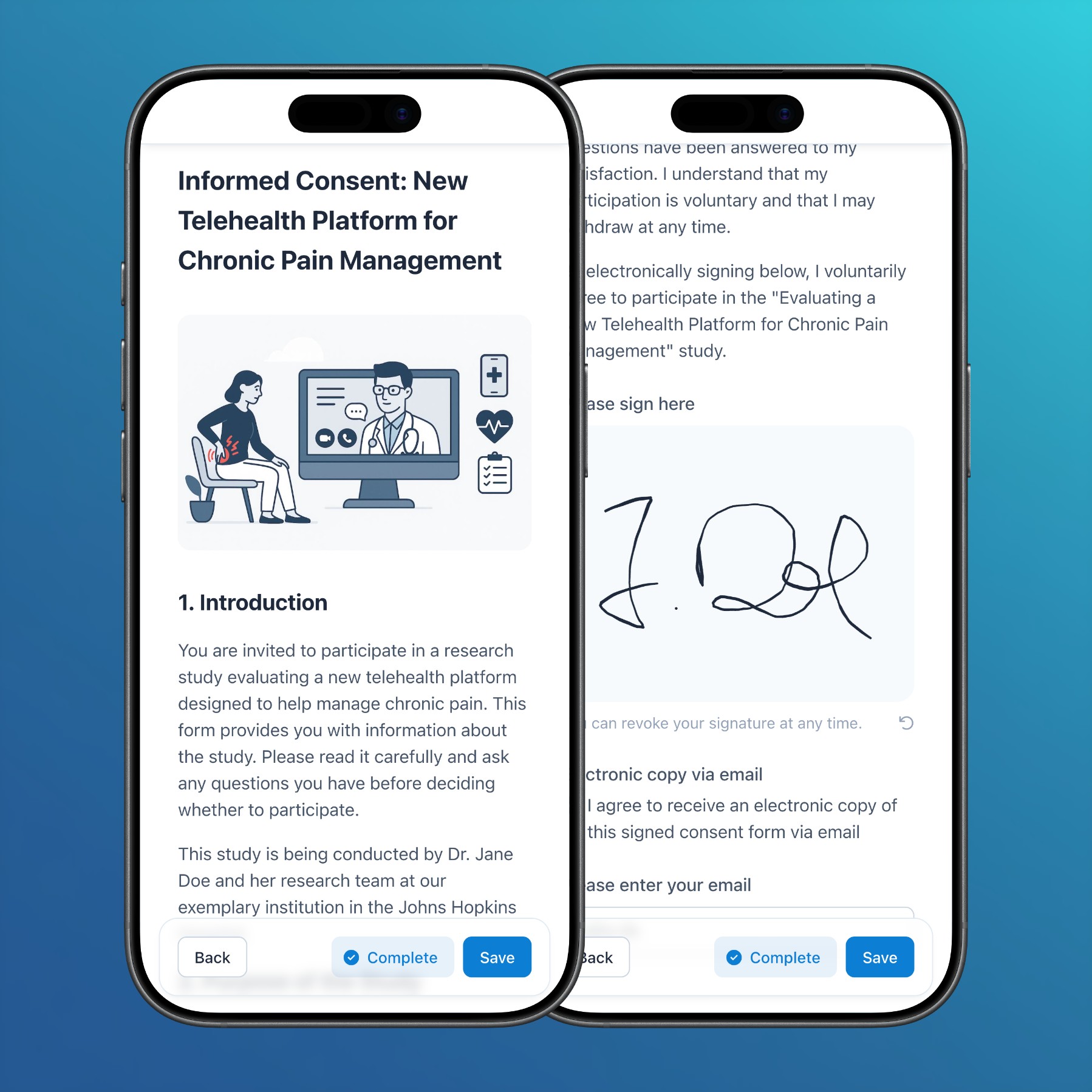
- Subjects: In addition to the web app and participant app, handwritten signatures can now also be captured in surveys and via ePRO links.
- Subjects: In PDF exports of forms without clinical data, informed consent fields are now rendered with a gray border to highlight the signature area.
- Reports: In addition to the audit trail within the subjects module, the general audit trail report now also renders change reasons.
- Documents: Besides uploading images, links to images can now be pasted directly into documents to embed them inline.
Bug fixes
- Subjects: Solved an issue that sometimes resulted in change reasons not being rendered correctly in the audit trail.